AI braille image reader

Translate braille from an image.

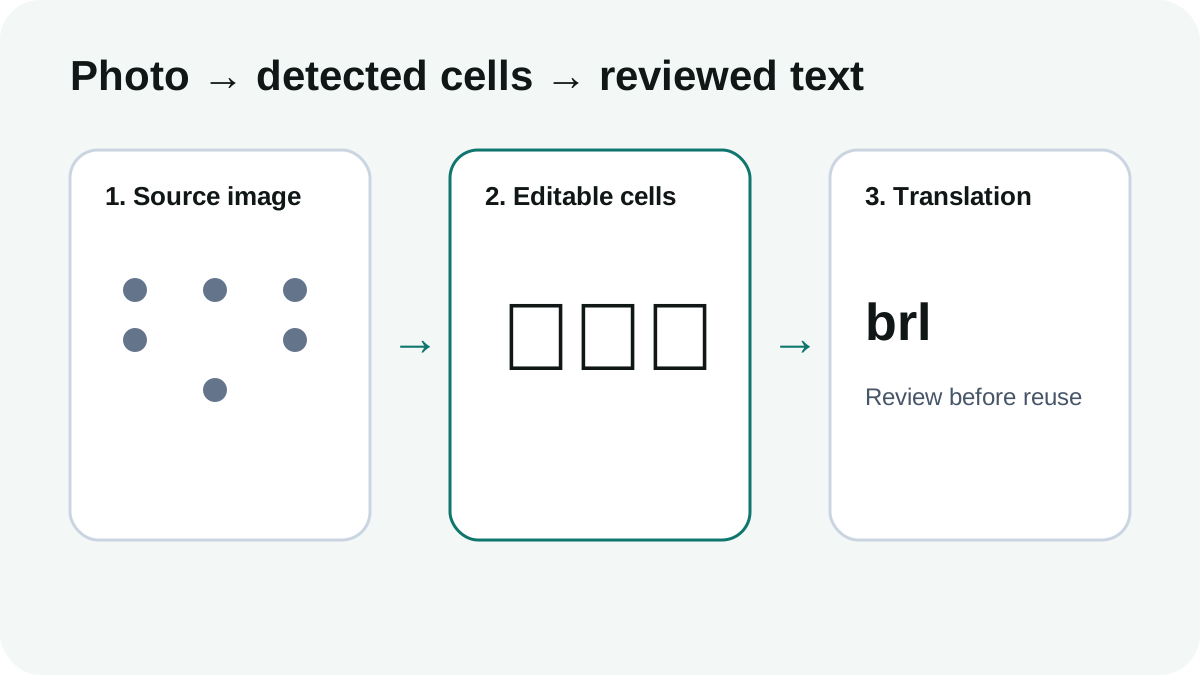
Upload a clear braille photo or scan. The reader detects dot patterns, converts them to editable Unicode braille and then translates the cells into English.

Upload a braille image Beta · best with clear printed dots

Deterministic dot detection

High-contrast printed dots are measured as braille cells instead of guessed as English words.

Editable recognition result

Review and correct Unicode braille before back-translation.

AI fallback for difficult images

Low-confidence photographs can use a vision-assisted fallback rather than returning a confident wrong answer.

How braille image recognition works

The image reader first finds dot-shaped components and aligns them to the two-column, three-row braille grid. Each detected cell becomes a Unicode braille pattern.

Language rules are applied only after the image has been converted into cells, which keeps image recognition separate from linguistic translation.

How to photograph embossed braille

Use side lighting so raised dots cast visible shadows. Keep the page flat, avoid glare and include a complete line without cropping its top or bottom dots.

Red or black printed dots on a plain background are currently more reliable than white embossed dots under flat frontal lighting.

Common questions

What to know before translating

Can AI read braille from a photo?

It can assist, but image quality matters. AI Braille Translator uses geometric dot detection first and only falls back to vision AI when the grid cannot be resolved reliably.

What image formats are supported?

The current beta accepts PNG, JPEG and WebP images up to 4 MB.

Does it read embossed braille?

Embossed braille is supported on a best-effort basis. Side lighting and a sharp, straight photograph significantly improve detection.